
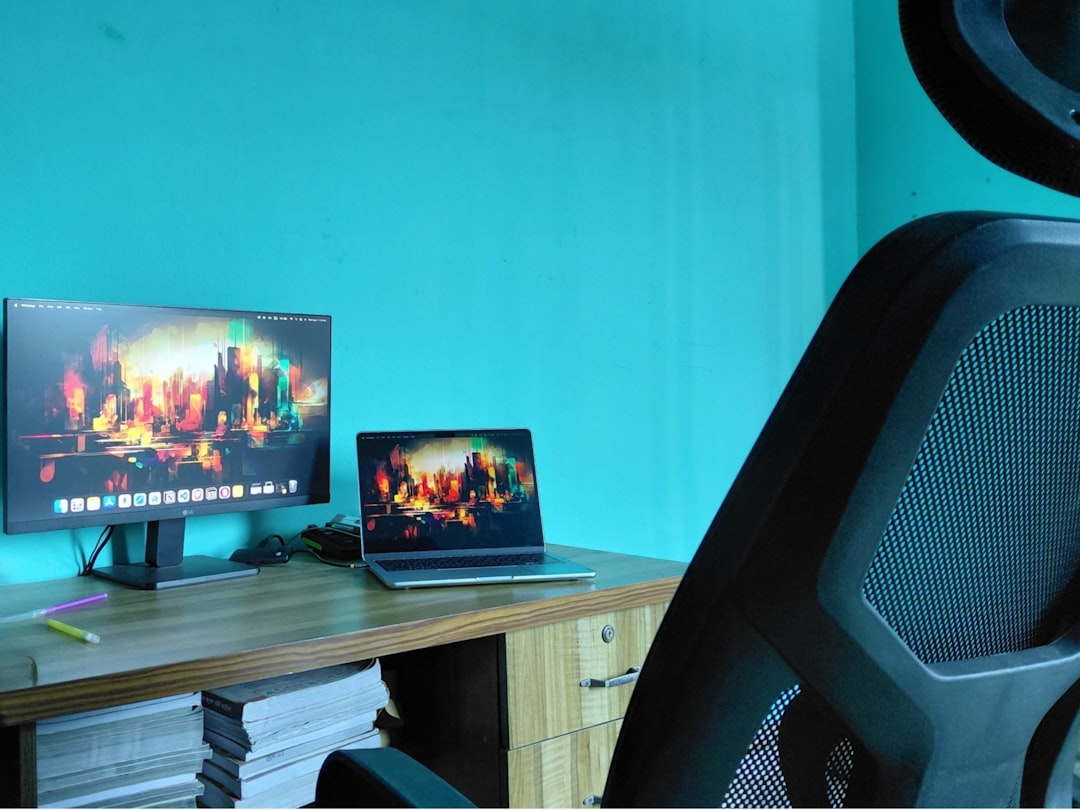
Stiff joints, aching wrists, and a sore back at the end of the workday? These nine steps will transform your desk into an ergonomic setup that protects joints and boosts comfort fast.
1. Start with a posture audit
Stand back and observe how you sit, where your hands land, and how your feet rest. Small misalignments compound over hours and weeks, so a quick posture check reveals the biggest pain drivers.
Use a mirror or take a photo while you work to spot slouching, forward head posture, or uneven shoulder height. Once you see the issues, you can prioritize adjustments that reduce strain on knees, hips, shoulders, and wrists.
Pro Tip: Take a posture photo weekly to track improvements and catch new habits before they become problems.
2. Choose a chair that supports natural curves
Your chair is the base of ergonomic health because it controls pelvis and spine position. Look for adjustable lumbar support, seat depth control, and armrests that allow your shoulders to relax.
Sit with your back fully supported and feet flat on the floor or on a footrest, making sure knees are roughly level with hips. If your chair lacks adjustments, add a lumbar cushion or swap for a model that fits your build.
Quick Tip: Align the top of your computer monitor with your eye line to avoid leaning forward and overloading your back.
3. Set desk height and monitor position for neutral joints
Desk height affects shoulder, elbow, and wrist angles, which in turn influence joint pain. Aim for elbows at about 90 degrees when typing, with wrists straight and shoulders relaxed.
Position your monitor so the top third of the screen is at eye level and about an arm’s length away, reducing neck flexion and eye strain. If you use multiple monitors, angle them to minimize head turns and keep frequently used windows centered.
Expert Insight: If a fixed desk is too high, lower your chair and use a footrest to maintain leg and hip alignment.
4. Place keyboard and mouse for neutral wrist alignment
Keep your keyboard close enough that you do not reach for it, and use a light touch while typing to decrease stress on finger and wrist joints. Consider a split or tented keyboard if you have persistent wrist discomfort.
Choose a mouse that fits your hand size and use wrist-friendly techniques like resting your forearm on the desk while moving the mouse. Replace long mouse drags with keyboard shortcuts to reduce repetitive wrist motions.
Insider Tip: Switch which hand uses the mouse for short periods to balance repetitive use and reduce cumulative joint load.
5. Build a sit-stand routine that reduces joint compression
Alternating between sitting and standing lowers pressure on lumbar discs and can ease hip and knee stiffness. Start with short standing intervals and increase gradually based on comfort and joint response.
When standing, maintain a slight bend in your knees and keep weight evenly distributed between both feet. Use an anti-fatigue mat and wear supportive shoes if you plan to stand for longer stretches.
Heads Up: Avoid prolonged static standing, as that can also aggravate joints; change posture every 20 to 40 minutes.
6. Control lighting and glare to prevent tension and awkward postures
Poor lighting causes you to lean, crane, or squint, which increases neck and shoulder tension. Position lights to the side of your monitor and use task lighting for paperwork rather than bright overhead lights that create glare.
Adjust monitor brightness and contrast to match ambient light, and consider an anti-glare screen if reflections force awkward head positions. Proper lighting helps maintain relaxed shoulders and a neutral neck angle.
Worth Knowing: A small desk lamp with adjustable arm lets you aim light exactly where you need it, reducing leaning and twisting.
7. Support your feet and set the correct viewing distance
Feet that do not rest flat create pressure points and force compensatory posture up the chain, affecting knees and hips. Use a footrest if your feet dangle or if you adjust your chair height for arm positioning.
Viewing distance should be about an arm’s length, which helps you keep a neutral neck and reduces forward head posture. If you need glasses for computer work, get a desk-specific prescription to maintain the correct head position.
Pro Tip: If your feet are cold or tense, warming them with a small heater or thicker socks can relax leg muscles and improve sitting posture.
8. Schedule movement, microbreaks, and joint-friendly stretches
Regular movement prevents stiffness and keeps synovial fluid moving in joints, which reduces friction and pain. Set a timer to stand, walk, or do gentle stretches every 30 to 45 minutes.
Focus on mobility for wrists, shoulders, hips, and ankles with short routines you can do at your desk. Even 60 seconds of targeted movement breaks up static loading and refreshes blood flow to connective tissue.
Quick Tip: Pair movement breaks with tasks like phone calls to make them easy to remember and keep momentum throughout the day.
9. Personalize equipment and maintain a simple review schedule
No single setup fits everyone, so test different keyboard angles, mouse types, and seating adjustments until you find what feels best. Keep notes about what reduces pain and what makes it worse, then refine based on results.
Set a monthly review to reassess your workstation and habits, and replace worn items like mouse pads or chair cushions before they stop providing support. Small, regular tweaks prevent minor issues from becoming chronic joint problems.
Expert Insight: Work with a physical therapist or ergonomics consultant for specific joint concerns to get targeted adjustments and exercise recommendations.
Final check: Are you protecting your joints for the long run?
Ergonomics is a mix of the right gear and consistent habits, not a one-time purchase. Which single change will you try this week to reduce joint pain at your desk?